An AI communication platform or a slide editing workspace?
slAIdes vs Gamma
Gamma covers presentations, documents, websites and social content. slAIdes is a focused choice when the deck itself needs repeated technical edits: revise LaTeX, chart data and media on the canvas, then present or export. Both offer AI workflows; decide using the changes you need after the first draft.
By the slAIdes team · Official documentation reviewed . This is our editorial assessment, not a measured head-to-head benchmark.
Where slAIdes is a strong fit
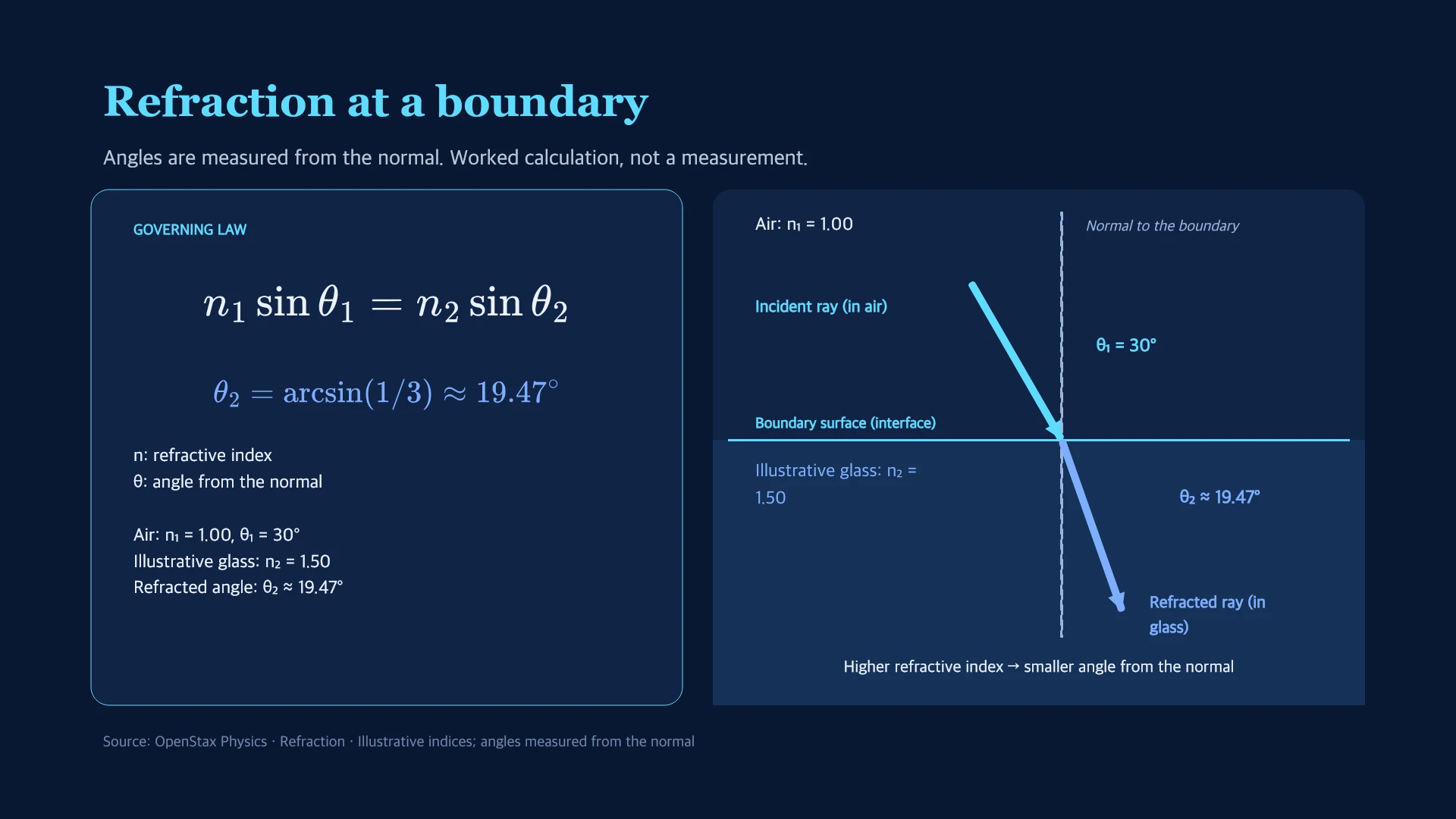
Choose slAIdes when a technical briefing needs an equation correction, an editable data chart and a trimmed clip in the same workspace. Use manual controls or supported MCP operations to revise the saved deck, rather than treating generation as the final deliverable.
See the native editing exampleWhen Gamma may fit better
Choose Gamma when your team wants one communication platform for decks, documents, websites and social assets, with its own agent and integrations.
Read Gamma's official overviewCompare the workflows
Gamma documents agent-led drafting, smart layouts, freeform editing, file import/export and connections to AI assistants. Official source.
| Decision | slAIdes | Gamma |
|---|---|---|
| Scope | Presentation editing, native data objects, media tools and delivery. | Presentations, documents, websites and social content. Source |
| Editing | Direct slide-object editing, editable LaTeX and data charts, plus beta AI assistance. | Agent changes, smart layouts and freeform design are documented. Source |
| AI connections | A public MCP interface exposes structured deck and object operations to compatible clients. | Gamma advertises ChatGPT, Claude and other integrations. Source |
A research briefing that changes after review
- Start with a source report and keep its units and caveats in the brief.
- In slAIdes, revise the formula, chart values and supporting media as separate editable content.
- Review the resulting slides and the exported file before sending the briefing.
Before switching
Keep your Gamma original. If you move a deck through PPTX, inspect fonts, layouts, charts and media after import. Neither a shared link nor an export guarantees identical behavior in another editor.
Cost and access
The slAIdes workspace is $1.99 / €1.99 per month, including 50 MB and MCP access. AI usage and optional storage may cost extra. Check current plan details and Gamma's official plans before purchasing; this guide does not claim a like-for-like price comparison.
Is slAIdes the only option with AI integrations?
No. Gamma also advertises AI assistant integrations. Compare the actual editing operations, object types and delivery workflow you need, rather than choosing on the presence of an AI connection alone.
Sources and editorial method
Competitor descriptions summarize linked official documentation. Recommendations are the slAIdes team's assessment. We do not infer missing features from missing documentation or claim faster, more accurate or better-ranked output without comparative evidence. Names belong to their respective owners; no affiliation or endorsement is implied. Send a correction.