Google Workspace collaboration or technical deck editing?
slAIdes vs Google Slides
Google Slides combines browser editing, live collaboration and Google Workspace integrations. slAIdes fits technical decks that need direct LaTeX, chart-data and media revisions with supported MCP access. Both work in a browser; the deciding question is the editing and collaboration workflow your team needs.
By the slAIdes team · Official documentation reviewed . This is our editorial assessment, not a measured head-to-head benchmark.
Where slAIdes is a strong fit
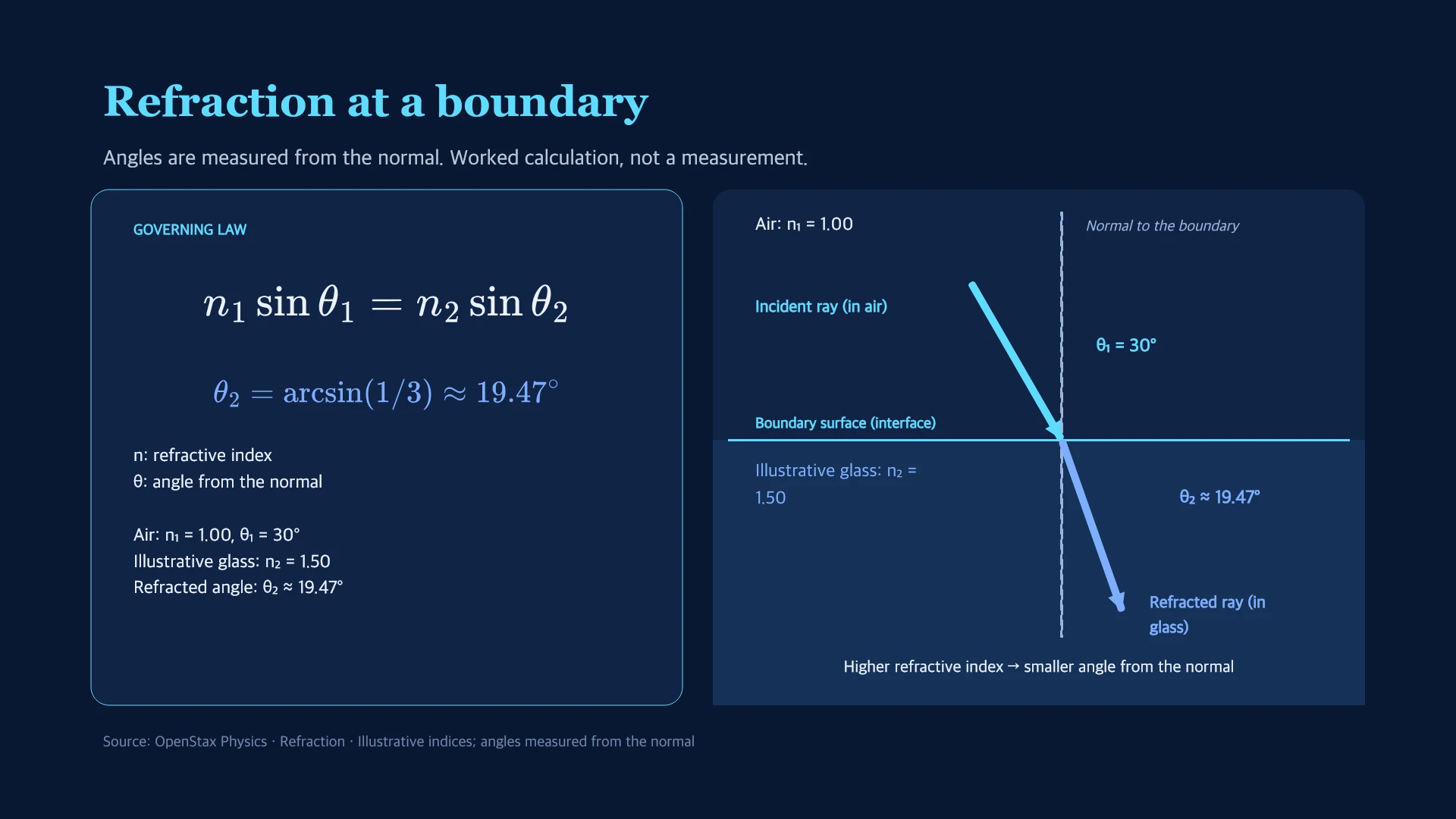
Use slAIdes for a technical talk where you need to correct notation and data while refining images or video. Work directly with native content and use a compatible MCP client for supported deck operations.
See the native editing exampleWhen Google Slides may fit better
Use Google Slides when your collaborators already depend on Drive permissions, live co-editing, comments and the wider Google Workspace workflow.
Read Google Slides's official overviewCompare the workflows
Google documents live editing, comments, sharing permissions, Meet integration and Gemini-assisted slide creation. Official source.
| Decision | slAIdes | Google Slides |
|---|---|---|
| Collaboration | Cloud persistence and presentation sharing; evaluate your team's collaboration requirements. | Live editing, comments and granular sharing permissions. Source |
| AI | Beta AI assistance plus supported operations through MCP clients. | Gemini can help with slide and image generation on supported accounts. Source |
| Technical revision | Editable LaTeX, native charts and built-in image and video tools. | A general browser slide editor with Workspace integrations. Source |
Move a reviewed briefing between browser editors
- Keep a copy in Google Slides and export a PPTX for a trial import.
- Correct a formula and chart in slAIdes, then inspect layouts and media.
- Agree which editor owns future changes before sharing the final deck.
Before switching
Google comments, sharing permissions and version history are separate from the exported slide file. Keep the original presentation available to your team.
Cost and access
The slAIdes workspace is $1.99 / €1.99 per month, including 50 MB and MCP access. AI usage and optional storage may cost extra. Check current plan details and Google Slides's official plans before purchasing; this guide does not claim a like-for-like price comparison.
Will my Google Slides comments transfer?
Do not assume that comments or Drive permissions move with an exported PPTX. Review the imported content separately and retain the original collaboration record.
Sources and editorial method
Competitor descriptions summarize linked official documentation. Recommendations are the slAIdes team's assessment. We do not infer missing features from missing documentation or claim faster, more accurate or better-ranked output without comparative evidence. Names belong to their respective owners; no affiliation or endorsement is implied. Send a correction.