A notebook-generated slide deck or a presentation to maintain?
slAIdes vs NotebookLM
Google's current help describes notebook-generated slide decks under Gemini Notebook, alongside the familiar NotebookLM workflow. slAIdes fits the next stage when you want to maintain the talk's notation, chart data and media directly. A source notebook and a presentation document can serve complementary roles.
By the slAIdes team · Official documentation reviewed . This is our editorial assessment, not a measured head-to-head benchmark.
Where slAIdes is a strong fit
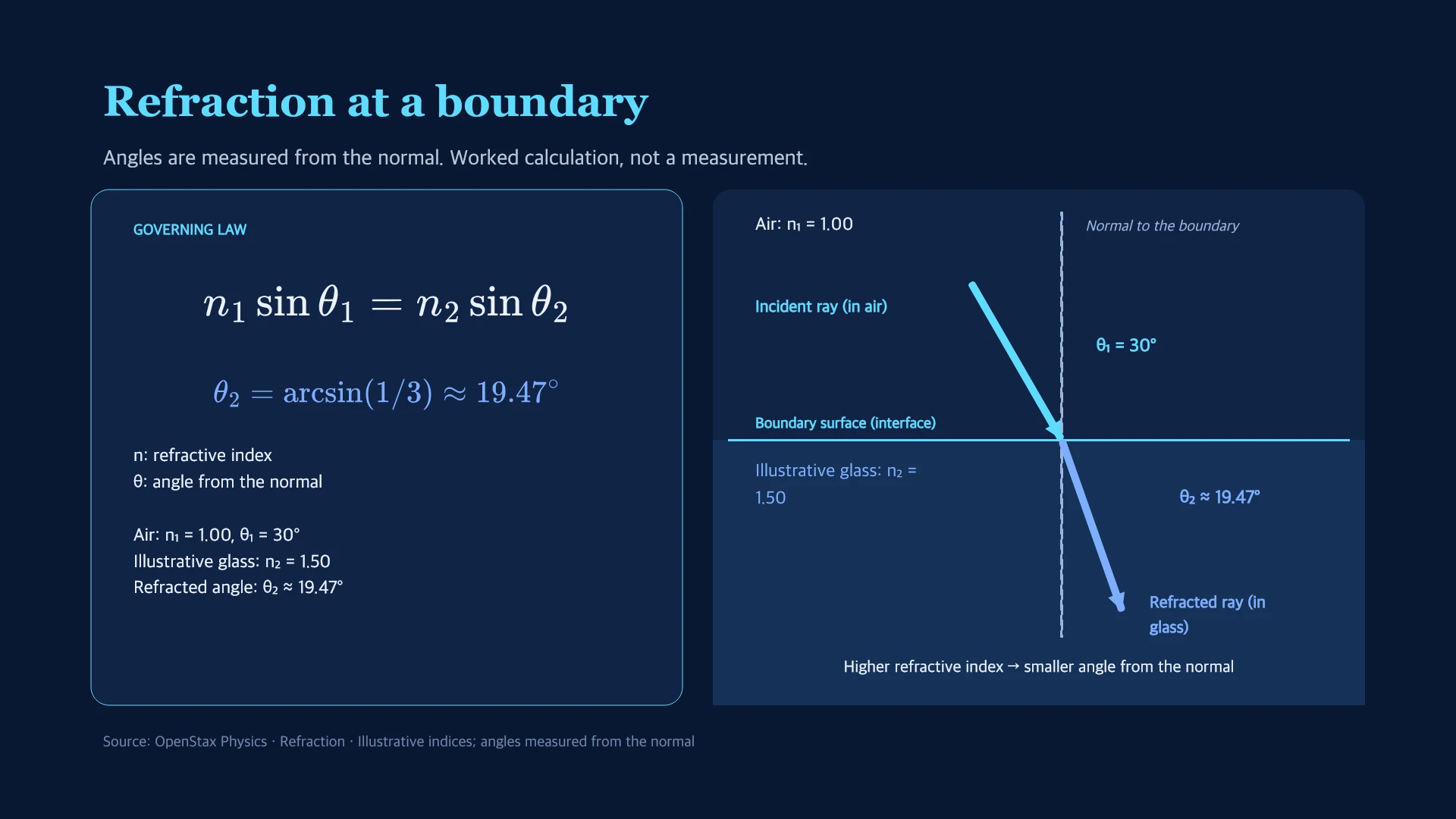
Use slAIdes when source synthesis must become a presentation you can keep revising: correct a formula, change an editable chart value and refine media in the native deck. Review every imported or generated claim against the original notebook sources.
See the native editing exampleWhen NotebookLM may fit better
Use NotebookLM or Gemini Notebook when working across a collection of sources and creating notebook-based study or presentation outputs is your main task.
Read NotebookLM's official overviewCompare the workflows
Google documents generating slide decks from a notebook, presenting and sharing them, and PDF or PowerPoint downloads. Official source.
| Decision | slAIdes | NotebookLM |
|---|---|---|
| Source home | The presentation document and its editable content. | The notebook and its source collection. Source |
| Delivery | Native presenting, sharing and supported exports. | Google documents presentation sharing and PDF/PPTX downloads. Source |
| Maintaining a talk | Direct editing of LaTeX, chart data, images and video. | Inspect the generated deck and the available notebook controls. Source |
Turn a source synthesis into a talk you can revise
- Keep the notebook and original references available during slide review.
- In slAIdes, revise the key model, chart values and explanation as editable content.
- Check the completed presentation against the notebook sources before delivery.
Before switching
A notebook's sources, access settings and generated artifacts are separate. Moving a slide file does not transfer the notebook or grant reviewers access to its references.
Cost and access
The slAIdes workspace is $1.99 / €1.99 per month, including 50 MB and MCP access. AI usage and optional storage may cost extra. Check current plan details and NotebookLM's official plans before purchasing; this guide does not claim a like-for-like price comparison.
Are NotebookLM slide decks limited to PDF downloads?
Google's current Gemini Notebook help also documents PowerPoint downloads. Inspect the actual output and editing workflow; do not rely on older PDF-only comparisons.
Sources and editorial method
Competitor descriptions summarize linked official documentation. Recommendations are the slAIdes team's assessment. We do not infer missing features from missing documentation or claim faster, more accurate or better-ranked output without comparative evidence. Names belong to their respective owners; no affiliation or endorsement is implied. Send a correction.